How to compress a PDF to 200 KB without losing quality
By Khushal · · 3 min read
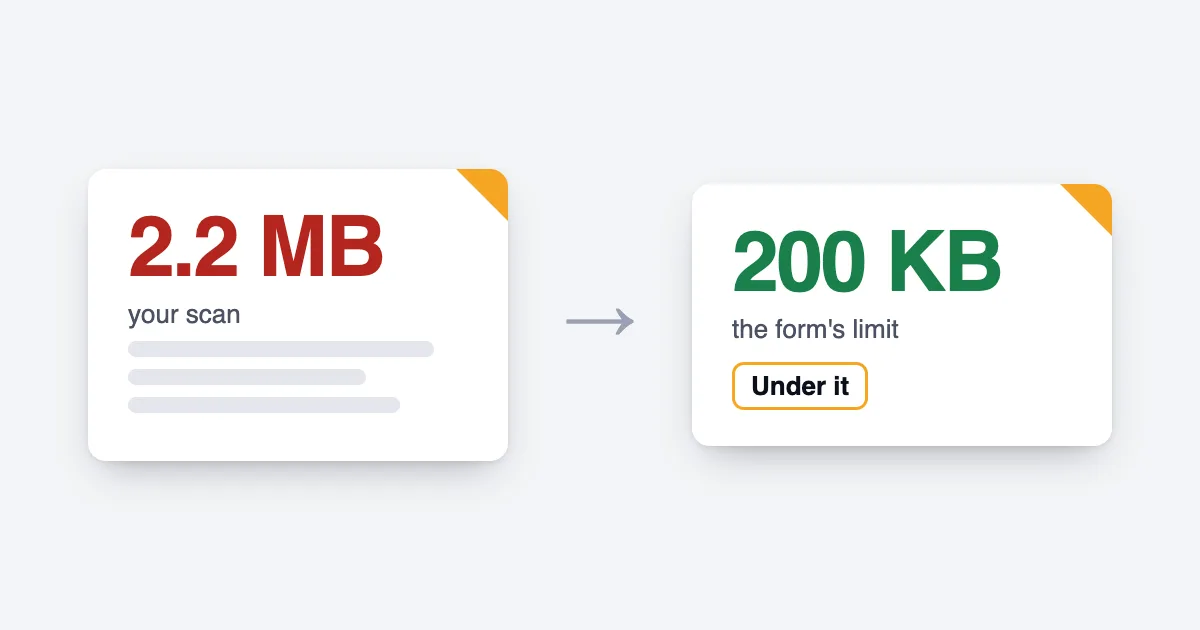
A form asks for a PDF under 200 KB, and yours is several times that. The good news is that most of the weight usually comes from one cause, and you can often fix it without any visible loss. This post explains why a PDF is big, what to change before you scan, and how Merji shrinks a file so quality goes last.
Why a PDF is big
A PDF of typed text is small, because text is stored as letters. A scanned PDF is different: each page is a picture, and pictures are heavy. A colour picture at a high resolution is the heaviest of all.
One real instruction shows the effect. A state entrance-exam board tells candidates: "If the file is larger than 200 KB, verify that the scanner is set to 150 dpi and the type is set to a black and white image." (J&K BOPEE scanning guide). The same page says documents scanned in colour or grey "will produce a document that is too large".
Fix it before you scan
If you can still rescan, the cheapest fix is at the scanner: a lower resolution and black and white instead of colour. That keeps text readable and the file small, with nothing to undo later. Not every portal asks for the same settings, so read the instructions for yours.
When you can't rescan
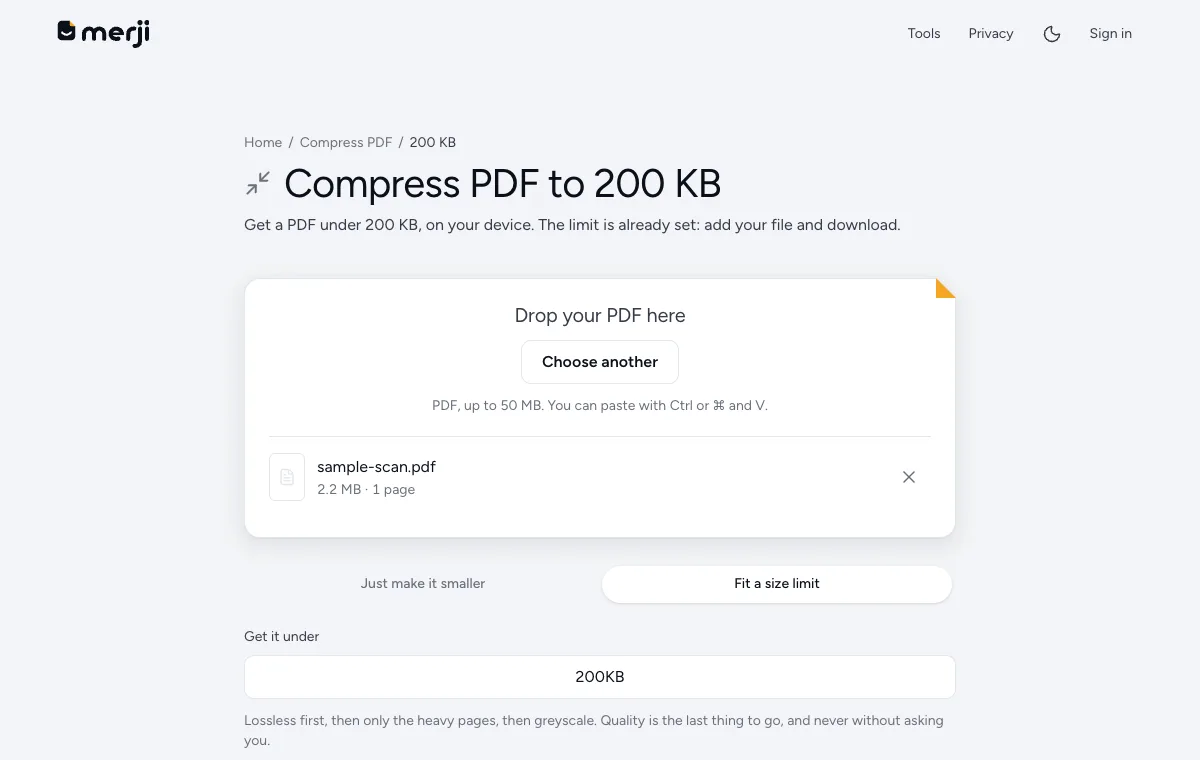
You already have the file. The tool then has to work in an order, and Merji's order is meant to keep quality for last:
- Lossless savings first. Nothing is redrawn, so the text stays text and nothing gets blurry. For a PDF that is mostly text, this is often enough.
- Only the heavy pages next. If that isn't enough, Merji redraws just the heaviest pages as images at a smaller size, and leaves the light ones alone.
- Colour goes last but one. If it still isn't small enough, it drops colour to grey.
- Quality is the final step, and never without asking you. Merji shows the first page at that size and lets you decide.
If every page is already as small as it can be while staying readable, Merji says so instead of handing you a file that would be rejected.
Why a text PDF sometimes won't shrink
Redrawing text as a picture makes the file bigger, not smaller. So for a mostly-text PDF Merji leaves the text alone and tells you plainly when it can't go lower. If it is still over the limit, the next option is to split the PDF into parts, if the portal accepts more than one file.
Check the result
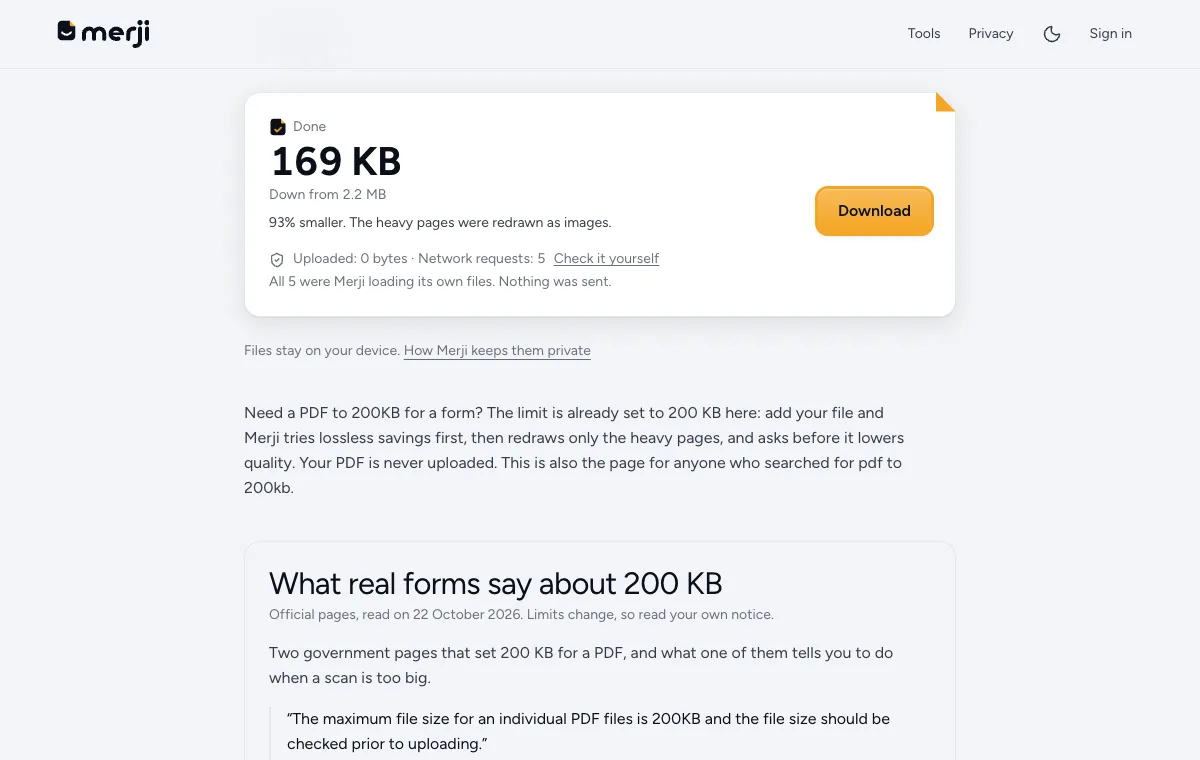
Open the compressed file and read every page you need at normal size, especially stamps and small print. The compressing happens on your own device, so the file is never uploaded: you can see 0 bytes uploaded on the result.
Do it now
The limit is already set: add your file and download.
Questions
Can you really compress a PDF to 200 KB without losing quality?
Sometimes. Lossless savings are tried first and change nothing. If the file is mostly scanned pages, getting under 200 KB may need some quality to go, and Merji asks before it does that.
Why is my scanned PDF so large?
A scan is a picture of each page. Colour pictures at a high resolution are the heaviest, which is why scanning in black and white at a lower resolution makes a much smaller file.