What is the Aadhaar PDF password format?
By Khushal · · 3 min read
You download your e-Aadhaar, double-click it, and it asks for a password. UIDAI, which issues Aadhaar, explains the password on its own page, so this is the rule exactly as UIDAI states it, with its own examples.
The rule
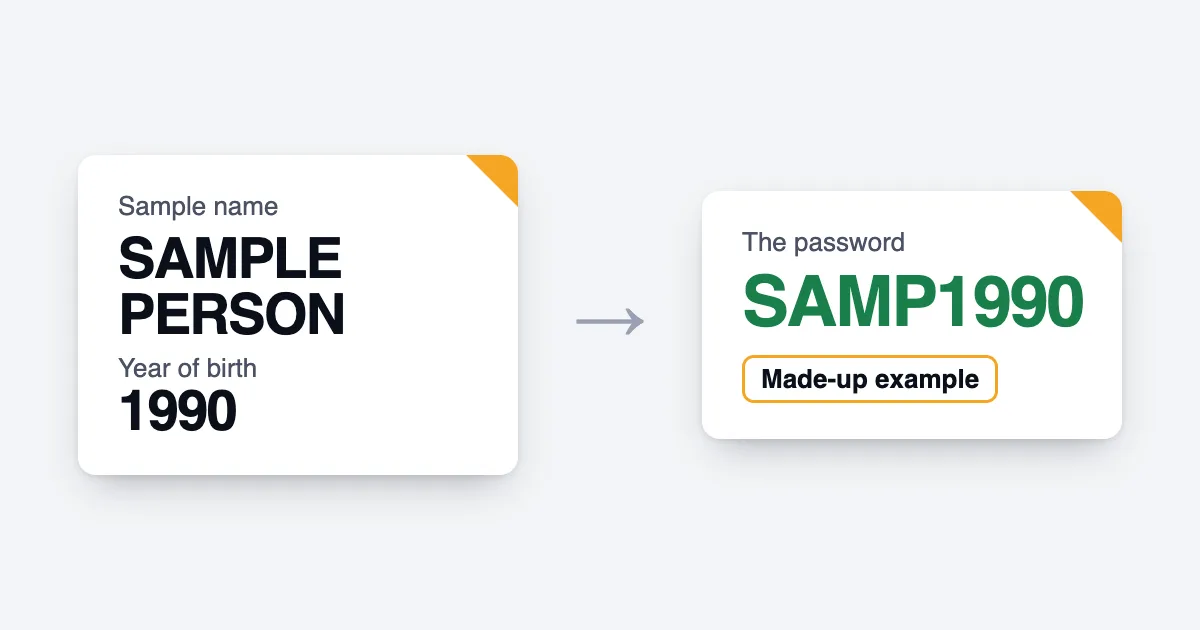
UIDAI says: "Password of eAadhaar is a combination of the first 4 letters of name in CAPITAL and the year of birth (YYYY)." (UIDAI, Aadhaar Online Services, "What Is the Password of e-Aadhaar?")
So you need two things: the first four letters of your name, in capital letters, then your year of birth as four digits.
UIDAI's own examples
The same page gives four examples:
| Name | Year of birth | Password |
|---|---|---|
| SURESH KUMAR | 1990 | SURE1990 |
| SAI KUMAR | 1990 | SAIK1990 |
| P. KUMAR | 1990 | P.KU1990 |
| RIA | 1990 | RIA1990 |
Read them closely. In the second example the first four letters are SAIK: the space is skipped. In the third, the full stop counts as one of the four, giving P.KU. In the last, the name has only three letters, and the password is just those letters followed by the year. Use the name as it appears on your Aadhaar.
If it still doesn't open
Check the capitals and the year, then try the name exactly as printed on the Aadhaar. UIDAI's page also says that the "resident needs latest version of 'Adobe Reader' to view e-Aadhaar", so a very basic viewer may fail even with the right password.
Remove the password from your copy
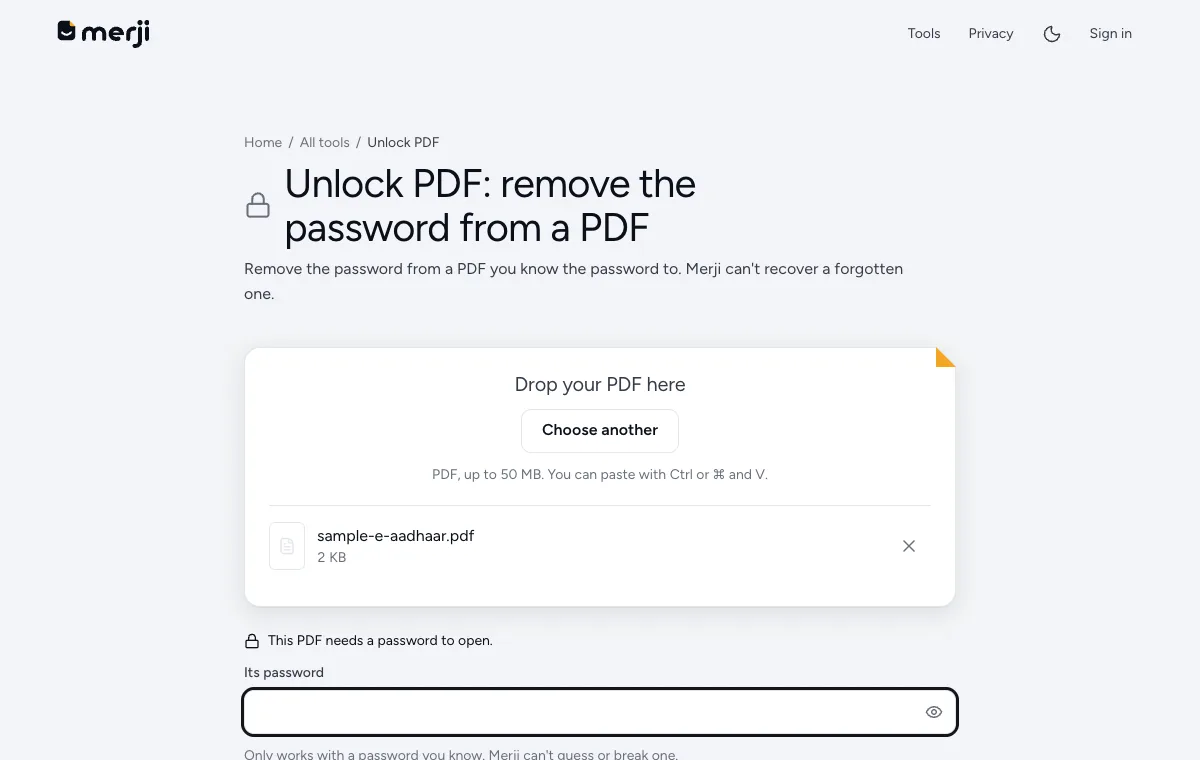
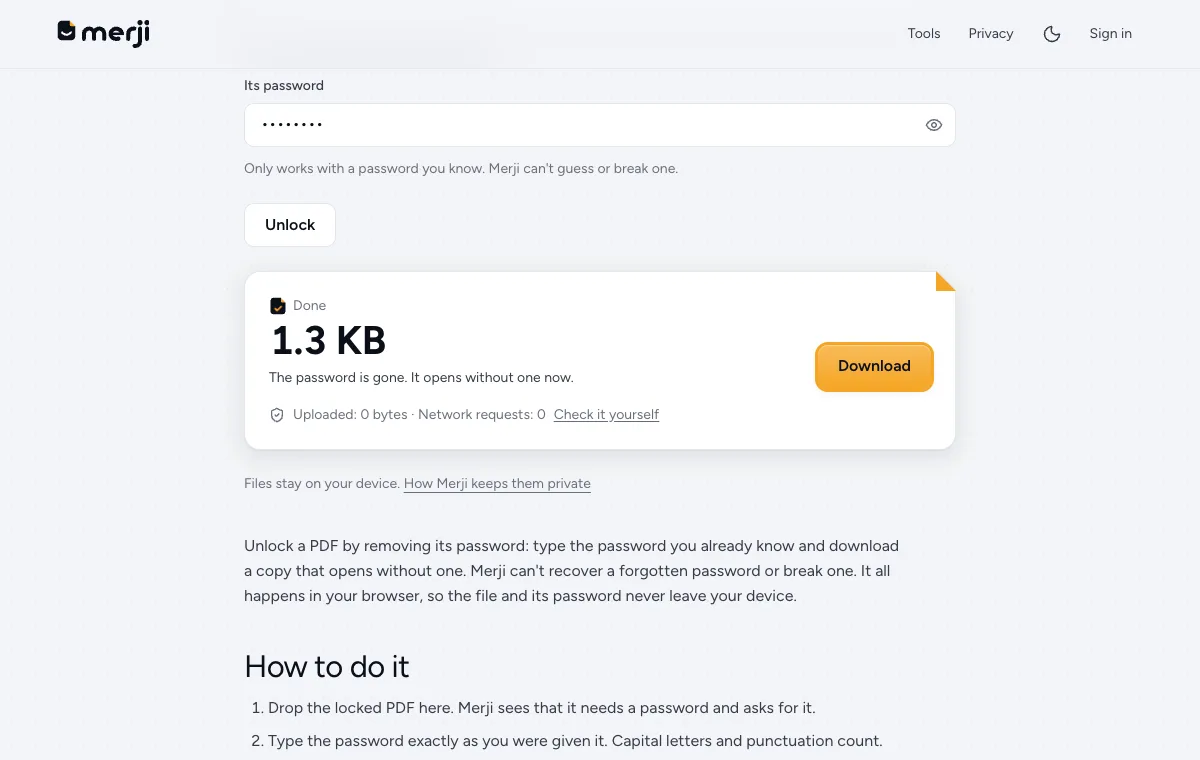
Once you know the password you can make a copy that opens without it. Unlock PDF does this on your own device: add the PDF, type the password and download. The file and the password are never uploaded.
The unlocked copy no longer protects itself, so anyone who gets the file can read it. Keep it private, and if you only need to share your identity, share a masked copy instead. UIDAI describes it this way: "In Masked Aadhaar, first 8 digits of Aadhaar number are masked and only last 4 digits of the Aadhaar number are visible." If you have a normal PDF you want to mask yourself, Mask Aadhaar and PAN numbers hides the numbers on your device.
Do it now
Remove the password from your e-Aadhaar PDF, on your device, once you know it.
Questions
What is the password of the e-Aadhaar PDF?
UIDAI says it is a combination of the first 4 letters of the name in capitals and the year of birth in four digits, for example SURE1990 for SURESH KUMAR born in 1990.
Does Merji send my Aadhaar PDF anywhere?
No. Unlocking happens in your browser. The file and its password never leave your device.