How to open your HDFC bank statement PDF
By Khushal · · 2 min read
You download a statement from your bank, try to open it, and the PDF asks for a password you never set. For HDFC Bank, the bank explains the password in its own FAQ. This post quotes it and shows what to do next.
What HDFC Bank says
HDFC Bank's Net Banking FAQ answers this question directly: "What is the password of account statement that gets downloaded from HDFC Bank NetBanking and why is this implemented?" (HDFC Bank, Net Banking FAQ)
The answer: "Your HDFC Bank Account Statement is password protected to ensure the confidentiality and security of your financial information and prevent unauthorized access. The password is your Customer ID (CustID). This is mentioned in the note section on the Account Statement download page only when you select the format as PDF and also in the download account statement success message."
So for a statement you download from NetBanking, the password is your Customer ID, and the page where you download it shows a note when you choose PDF. That FAQ answers for NetBanking downloads. If your statement arrived another way, such as in an email, check the message it came with, or ask your bank.
Opening it
Type the password exactly as the bank gives it. If the statement still won't open, check that you chose PDF, and look at the note on the download page again.
Making a copy that opens without a password
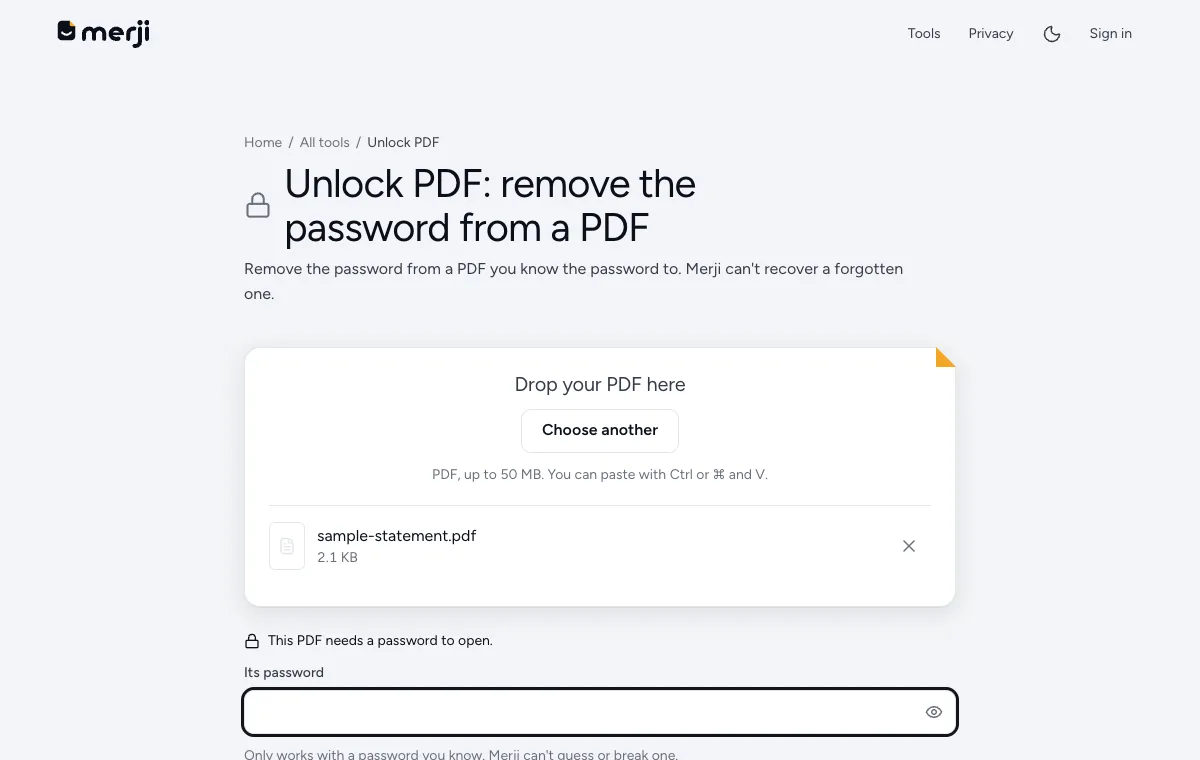
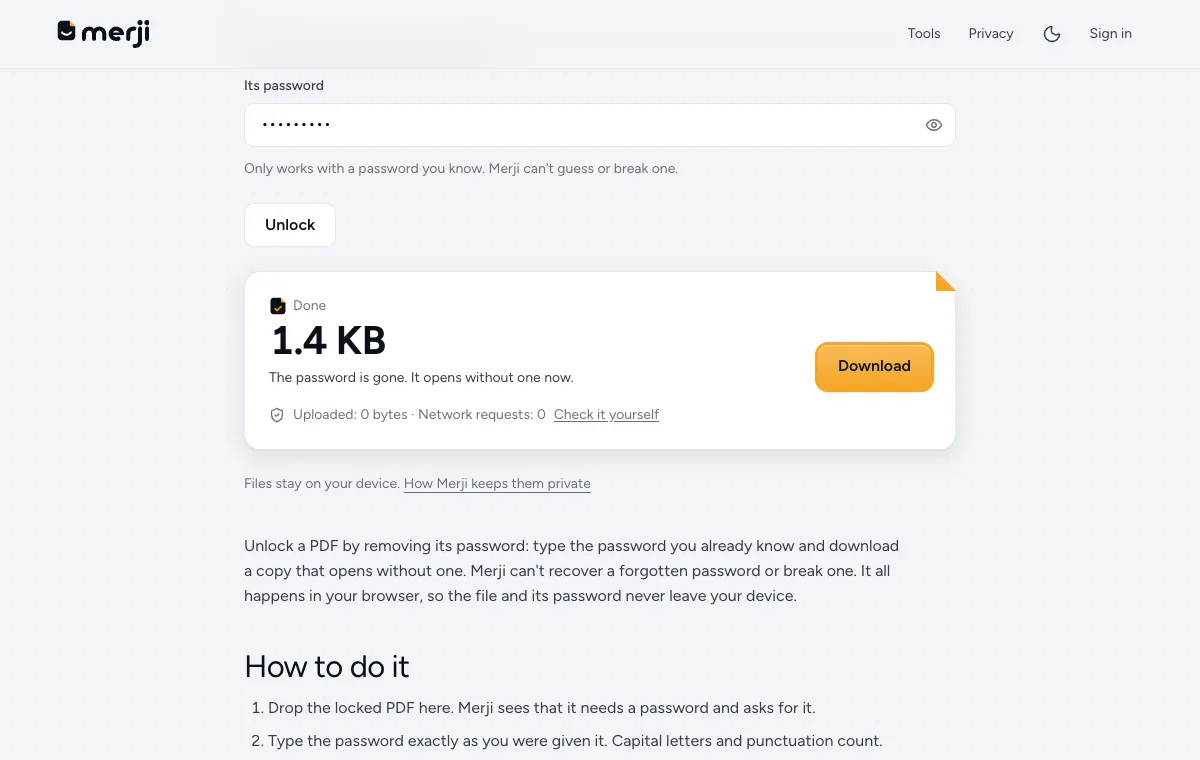
When you need to upload the statement, or use it somewhere that can't take a locked file, Unlock PDF makes a copy without the password, on your own device. Add the PDF, type the password and download.
The unlocked copy has no protection, so keep it private and delete it when you have finished. If what you want is the transactions in a spreadsheet, you can skip this step: Bank statement PDF to Excel asks for the password itself and reads the statement in one go, without leaving an unlocked copy on your device.
Do it now
Remove the password from your statement PDF, on your device, once you know it.
Questions
What is the password of an HDFC NetBanking statement?
HDFC Bank's FAQ says it is your Customer ID (CustID), and that it is shown in the note section on the statement download page when you choose PDF.
Is it safe to unlock a bank statement on Merji?
Unlocking happens in your browser, so the statement and its password are never uploaded. The unlocked copy has no password, so keep it private.