Is it safe to upload your Aadhaar or bank statement to a PDF website?
By Khushal · · Updated · 4 min read
Merging a bank statement or shrinking an Aadhaar scan usually starts with a search and ends on whichever PDF site comes up first. Before you drop a document like that into a web page, it helps to know where the file actually goes.
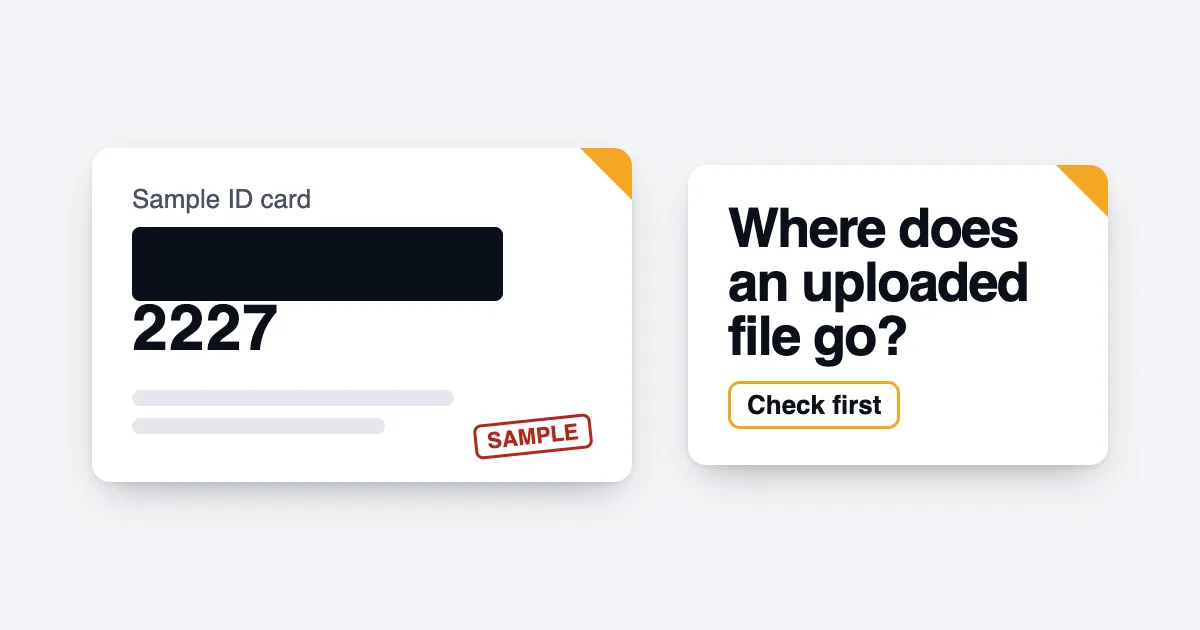
How most online PDF tools work
Most PDF websites do the work on their own computers. When you choose a file, your browser sends a copy to the site's server. The server changes it and sends the result back for you to download.
For that to work, the site has to receive your whole file. What happens next depends on the site's own policy: many say they delete files after a set time. You are trusting that policy, and trusting that nothing goes wrong in between.
For a restaurant menu, that trust costs nothing. For an Aadhaar card, a PAN card, or six months of bank statements, the file contains exactly what someone would need to impersonate you.
What to check before you upload
- Read the privacy policy for one thing: how long files are kept, and who can access them in that time. If it does not say, assume the answer is not in your favour.
- Look for an account wall. A site that asks you to sign up before a simple job is collecting more than the job needs.
- Notice the ads. Pages heavy with advertising usually load scripts from many other companies.
- Share less in the first place. If someone only needs proof of identity, a masked copy is often enough. UIDAI describes it like this: "In Masked Aadhaar, first 8 digits of Aadhaar number are masked and only last 4 digits of the Aadhaar number are visible." (UIDAI, Aadhaar Online Services). Check what the recipient accepts.
Tools that never receive the file
There is another way to build a PDF tool: do the work inside your browser, on your own device. The page downloads the tool once, and after that your file is opened, changed and saved without being sent anywhere.
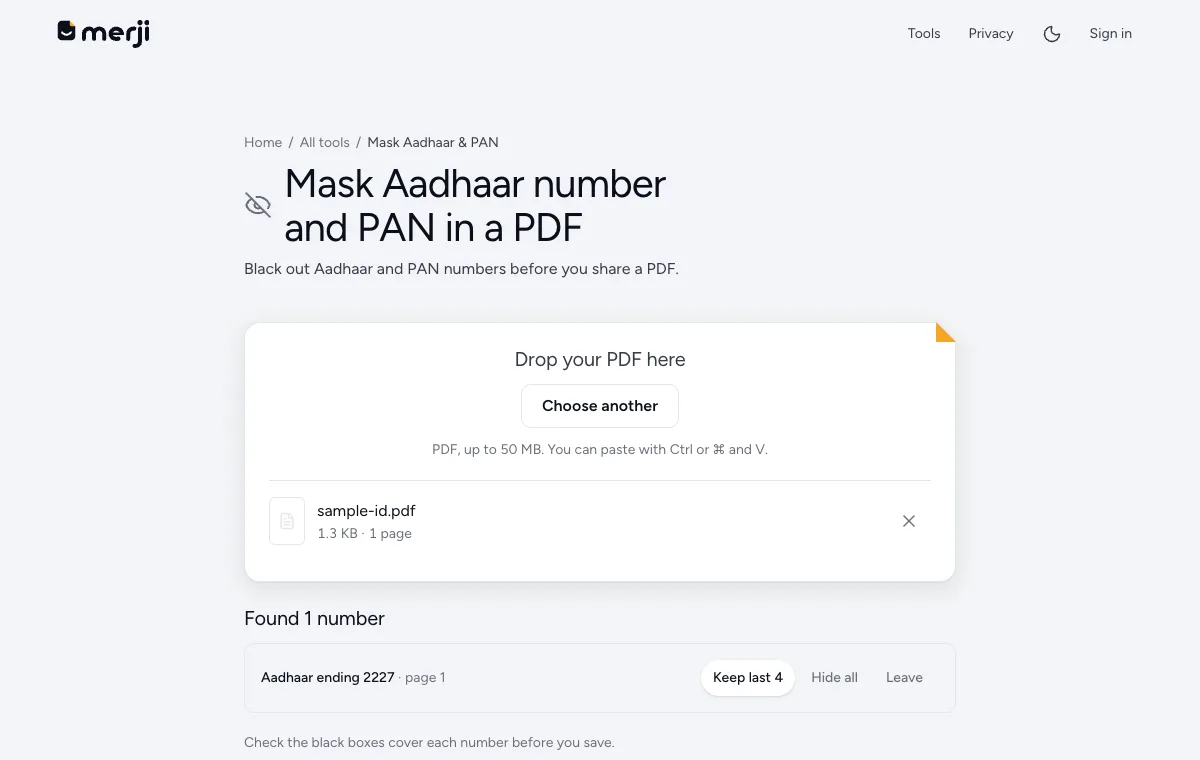
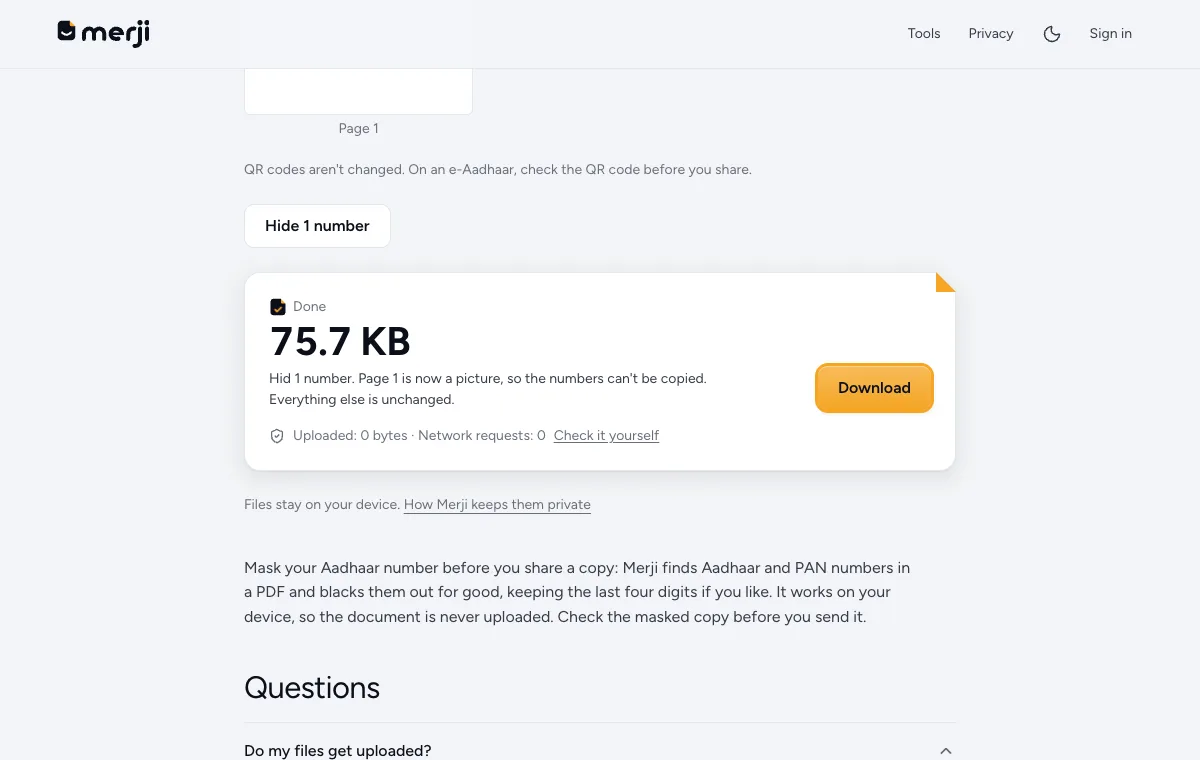
This is how Merji works. Mask Aadhaar and PAN numbers hides the numbers on your device, Bank statement PDF to Excel reads a statement without sending it, and Unlock PDF removes a password you know. It is not the only tool built this way, and you should not take any site's word for it, including this one. You can check.
The two-minute test
- Open the tool's page and let it finish loading.
- Turn on airplane mode, or switch off Wi-Fi and mobile data.
- Use the tool on a harmless file.
If the tool still works with no connection, your file cannot have gone to a server, because there was no way to send it. If it fails or waits for the connection to come back, the work was happening somewhere else.
A stricter version: on a computer, open your browser's developer tools, go to the network panel, and watch what is sent while the tool runs. An upload shows up as a request about the size of your file.
Before you share the result
Whatever tool you use, open the finished file and look at it. If you masked an ID number, make sure the number is really gone and not just covered by a box that can be moved. Then send it only to the person who asked for it.
Do it now
Hide the ID numbers on your own device before you share a copy.
Questions
Does a padlock in the address bar mean my file is private?
It means the connection is encrypted on the way to the site. It says nothing about what the site does with the file once it arrives.
Is an on-device tool always safe?
It removes one risk: your file is never on someone else's server. You still need to check the result before sharing it, and keep your own device secure.