Why your PDF is rejected on government portals, and how to fix it
By Khushal · · Updated · 4 min read
Filling in a long form on a health-card, PAN or state welfare portal, attaching your documents and pressing submit, only to be told "invalid file" or "upload failed", is a familiar frustration. The portal rarely says why. In practice there are only a handful of reasons, and you can check each one in a minute.
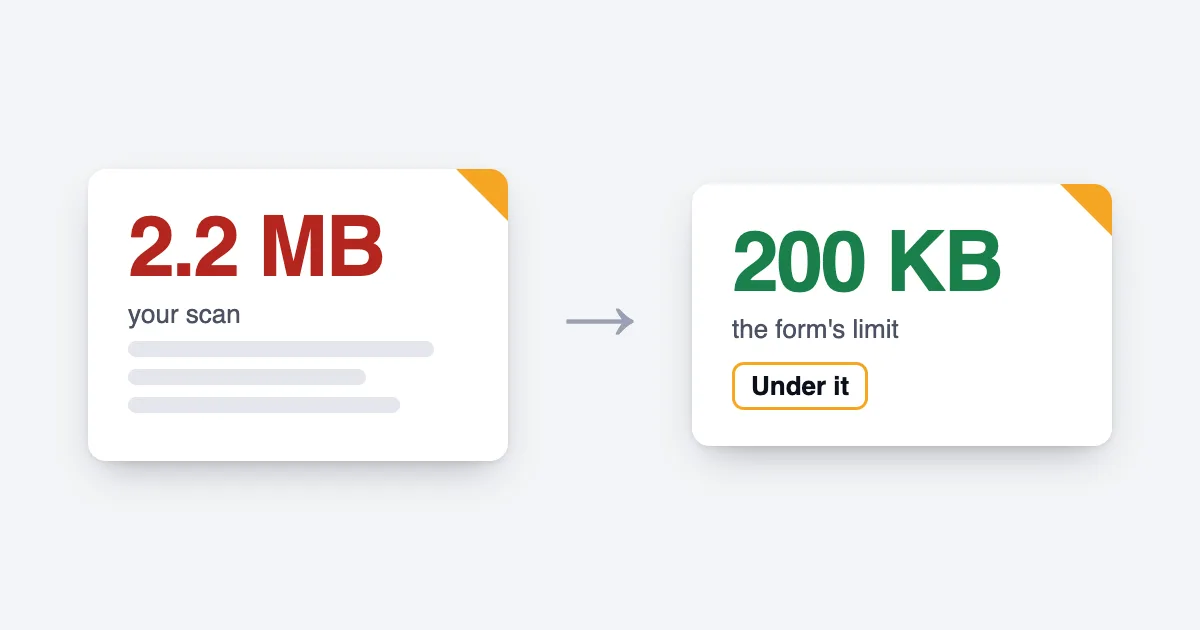
The file is over the size limit
This is the most common reason, and real limits are small. One state employment scheme says: "All documents (except photo and signature) must be uploaded as PDF files (max size: < 100 KB)." (Kerala Connect to Work Scheme instructions). A state entrance-exam board says: "The maximum file size for an individual PDF files is 200KB and the file size should be checked prior to uploading." (J&K BOPEE scanning guide).
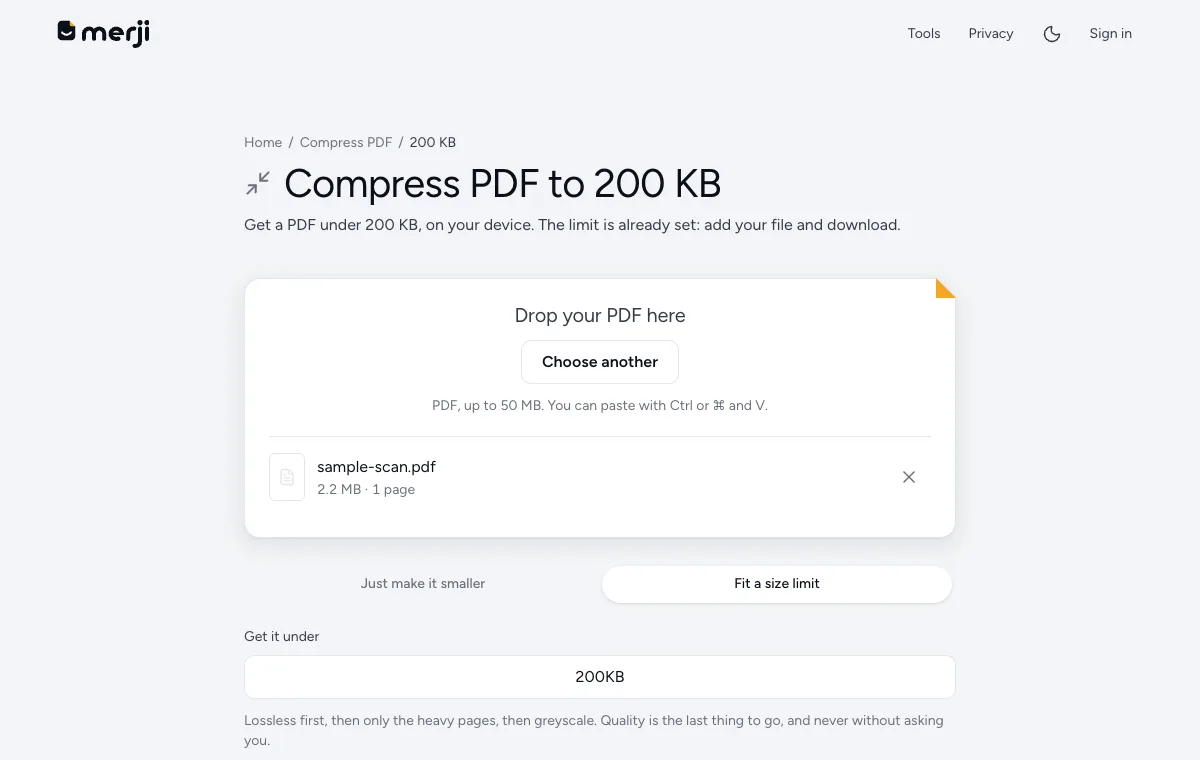
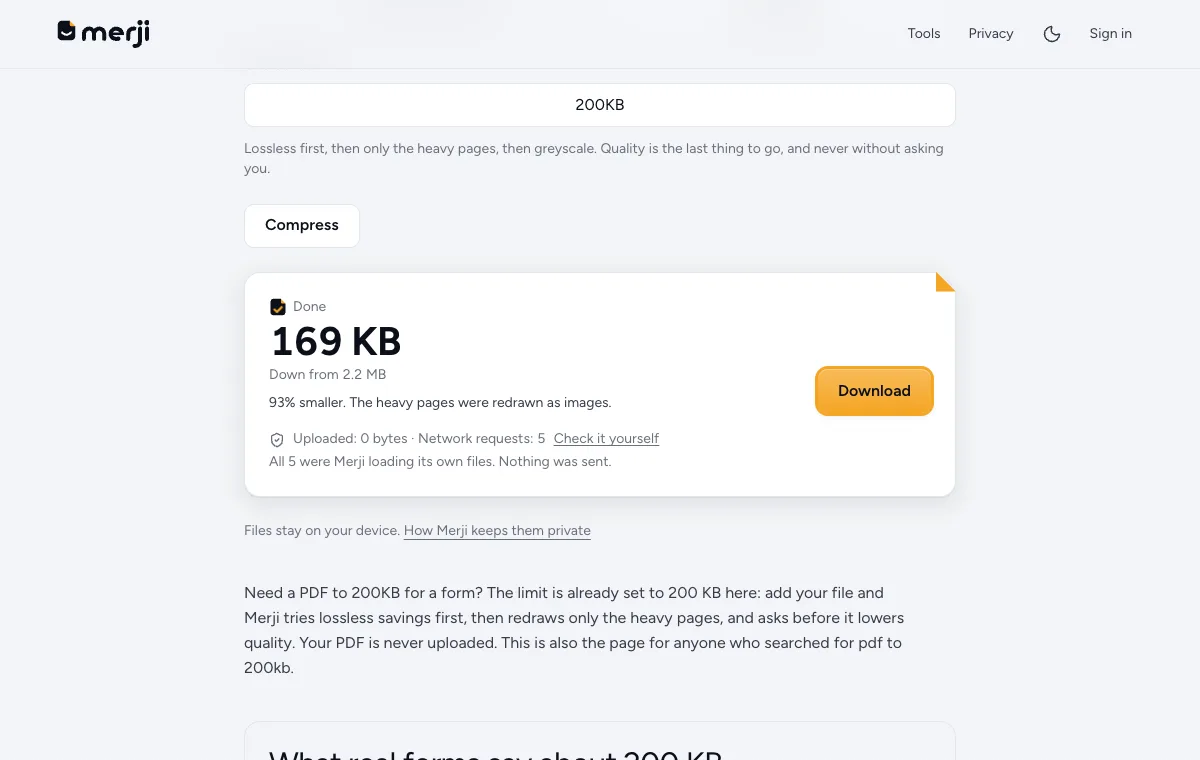
A scanned page from a phone can be several MB, so it has to shrink. Find the limit next to the upload field, then compress to just under it. The size pages for 100 KB, 200 KB, 300 KB and 500 KB are set up for the common limits.
The file is under a minimum size
Some notices set a minimum as well. The CUET (UG) 2026 bulletin asks for a disability certificate that "should be a pdf between 50 kb to 300 kb (clearly legible)" (CUET (UG) 2026 Information Bulletin). A file that has been squeezed too hard can drop under the minimum. Compress less, or rescan at a higher quality. Merji makes PDFs smaller; it doesn't pad one up to a minimum.
The format is not the one asked for
A form that asks for a PDF will not take a JPG, and the other way round. Renaming a photo from .jpg to .pdf does not convert it: the portal reads what the file really is, not its name.
Convert it properly with JPG to PDF or PDF to JPG, then upload the converted file.
The PDF is password-protected
Bank statements and some government downloads arrive locked with a password. Most portals cannot open a locked file, so they reject it. If you know the password, remove it with Unlock PDF and upload the unlocked copy. Only do this for documents that are yours to open.
The page or the image is the wrong shape
Photos and signatures usually have exact width and height rules, and sometimes a required background. A photo that is the right size in KB can still fail because its dimensions are off. Photo and signature resize sets dimensions and KB together, and has pages for SSC, NEET and UPSC.
The file name has characters the portal dislikes
Spaces, brackets, and non-English characters in a file name trip up some older portals. Rename the file to something plain, like marksheet.pdf, and try again.
How to find which one it is
Work down the list in order: size, format, password, dimensions, name. Change one thing at a time and try the upload again, so you know what fixed it.
If the portal did show an error message, paste it into Fix for a portal. Merji reads the rule from the message and adjusts your file to match. Everything happens on your own device, so the document you are fixing is never uploaded anywhere except the portal you choose.
One last check before you submit: open the final file and read it. A file that passes the portal but cannot be read by the person reviewing it will still cost you.
Do it now
Paste the portal's error message and Merji fits your file to it.
Questions
The portal only says "invalid file". Where do I start?
Start with size, then format. Those two cause most rejections. Check the upload instructions on the form itself for the limit and the allowed types.
Can Merji guarantee my file will be accepted?
No. Merji can match the numbers a portal publishes, but portals change their rules and some checks are not published at all. Always compare against the official notification.